
How to set background image for header?
Betheme allows to set background images for both: headers and subheaders. As if that is not enough, you can set them individually for specific pages or the same for all.
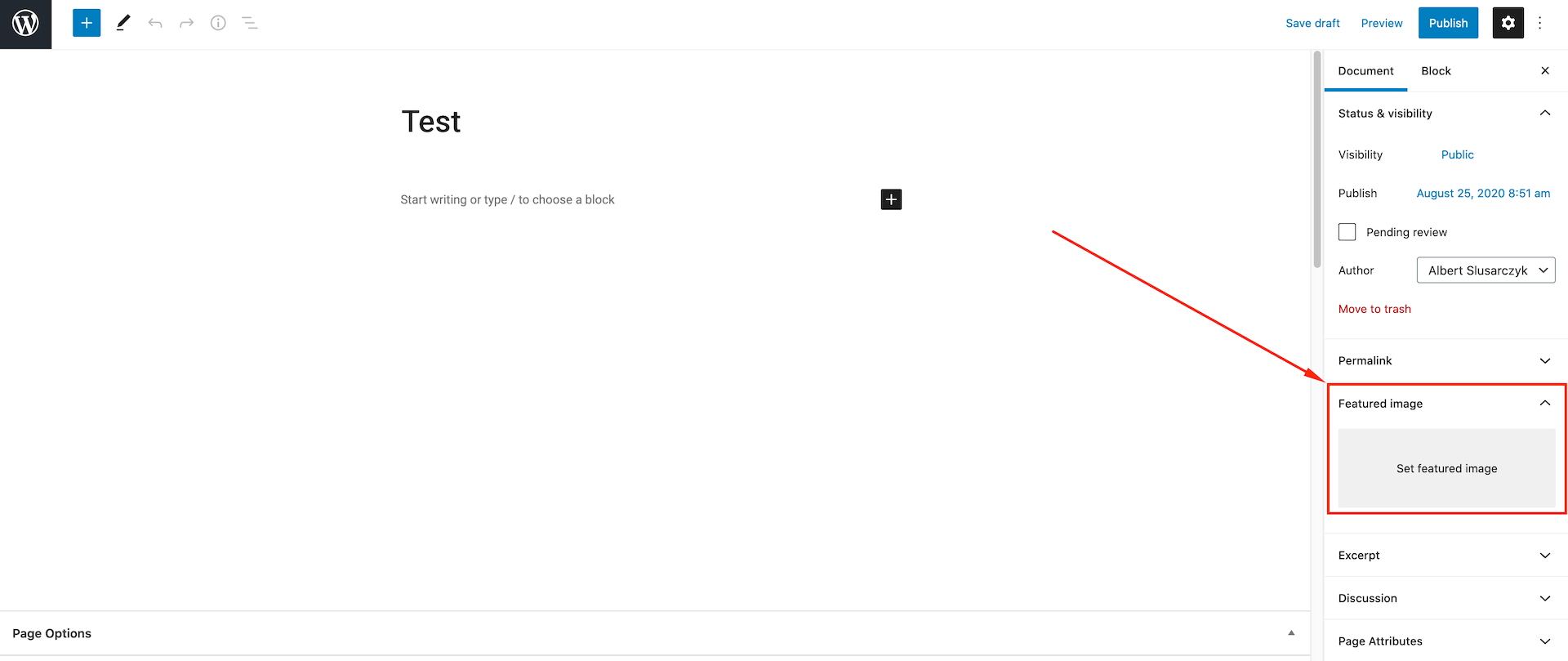
To set same header background for all pages, please go to Betheme > Theme Options > Header & Subheader > Header > Background section. Here, you can upload custom background image, set its position or size. If you like to have individual header backgrounds, you can set them using Featured Image option located on the right hand side, while editing or creating pages.
Quick Tip!If header background does not appear, make sure you did not activated Minimalist option under Betheme > Theme Options > Header & Subheader > Header > Layout which removes header completely.
The same thing you can do with subheaders where page title or breadcrumbs might be located. To set subheader background same across all pages, go to Betheme > Theme Options > Header & Subheader > Subheader > Background section. Except image, position and size, it is possible to set transparency. This option is useful, especially for those who prefer to have the header background across the subheader.

If you prefer to have different subheader background images per individual pages, you need to scroll down while editing/creating page and under Page Options > Media section, you will have Subheader | Image field.
Quick Tip!If subheader background does not appear, make sure you did not disabled Subheader itself under Betheme > Theme Options > Header & Subheader > Subheader > Layout.